September 25, 2023 - Filtering and Models

Filtering is here!
FILTERING
Gain deeper insight by zooming into specific attributes within your client's portfolio.
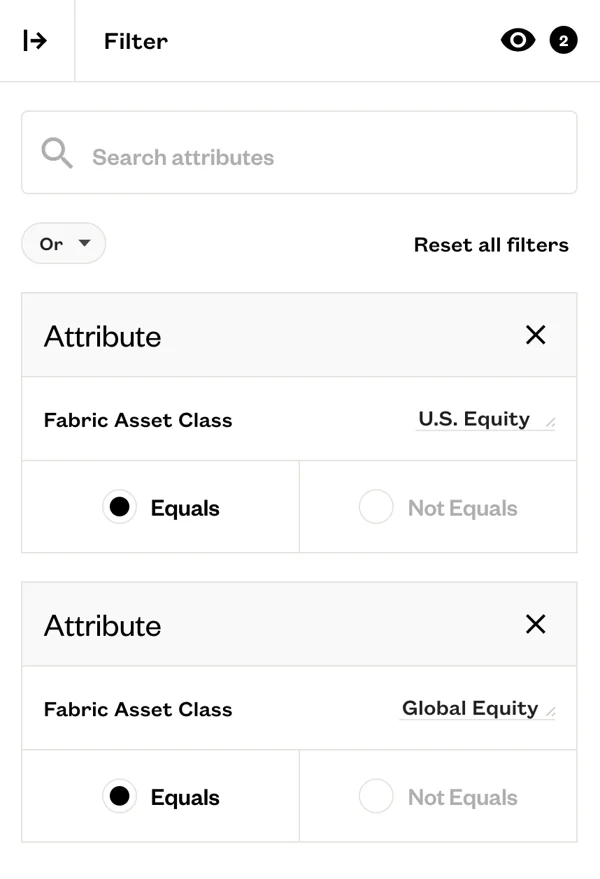
Analyze filtered portfolios in Fabric. Customize your portfolio analysis in Fabric by setting filters to focus on specific segments of the portfolio. Whether you want to zoom in on particular sleeves or filter by other attributes, you have the flexibility to analyze your portfolios precisely.
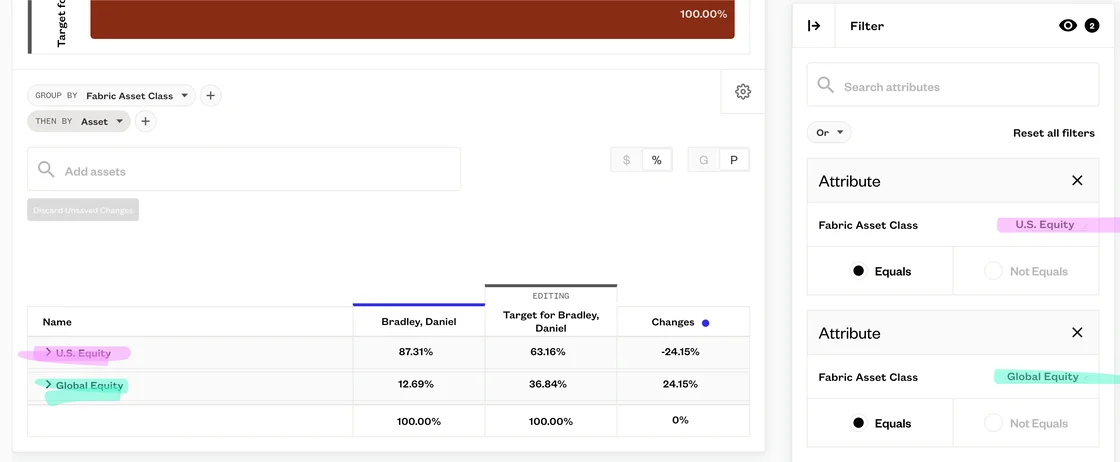
In the example below, the filter includes U.S. Equity and Global Equity. Therefore, the report is only showing U.S. and Global Equity.
FILTERING
Enhance your portfolio management by rebalancing specific portions while leaving others untouched
Take control of your portfolio rebalancing process with the ability to perform manual or guided rebalancing on specific segments of the portfolio. Maintain the desired allocation while rebalancing closer to a client's target at a deeper level.
MODELS
Simplify your model creation workflow
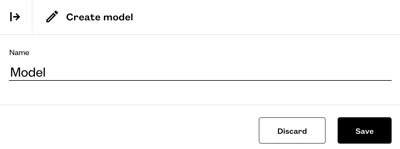
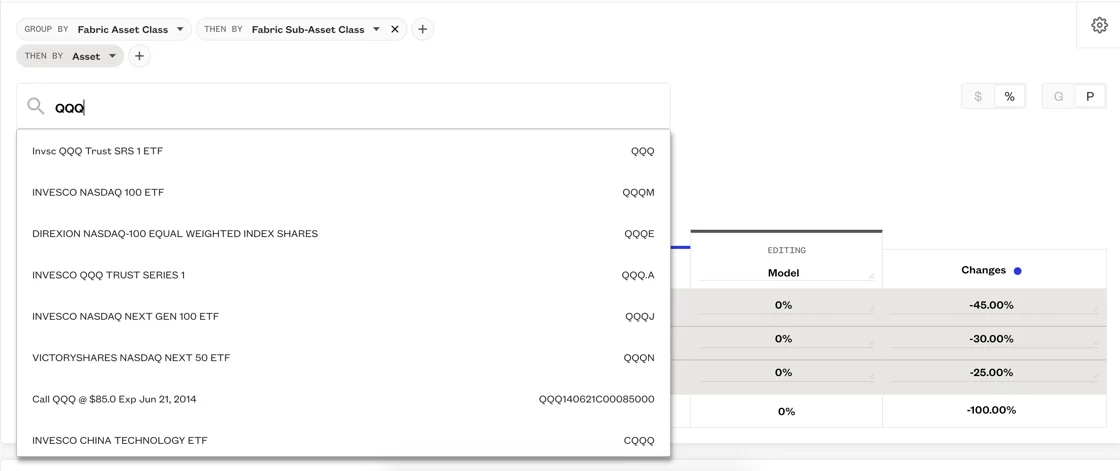
Create models seamlessly using the same workflow as creating proposals. This streamlined approach allows you to edit allocations and add assets while comparing the model to other portfolios.
Please sign in to leave a comment.
Comments
0 comments