October 18, 2023 - Advisor Settings

Advisor Settings Updates
ADVISOR SETTINGS
Ready to tailor Fabric to your unique needs?
Easily access advisor settings from any page in the application to fine-tune your experience. Set Capital Market Assumptions (CMAs), adjust risk proxies, and add asset attributes effortlessly.
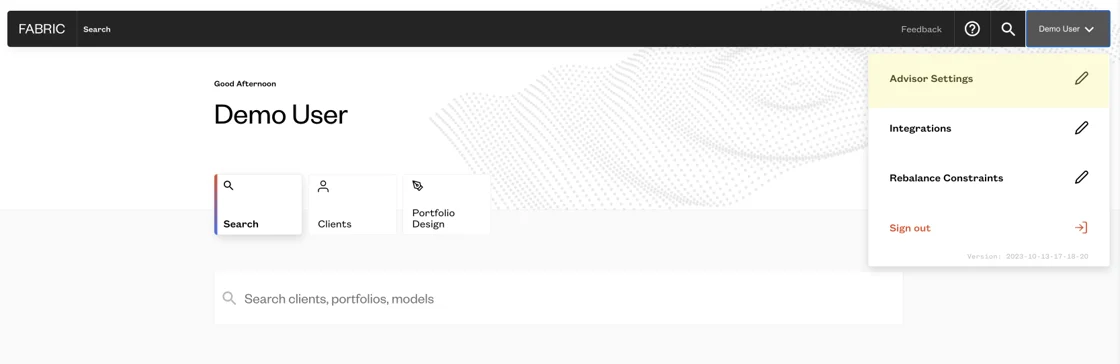
ADVISOR SETTINGS
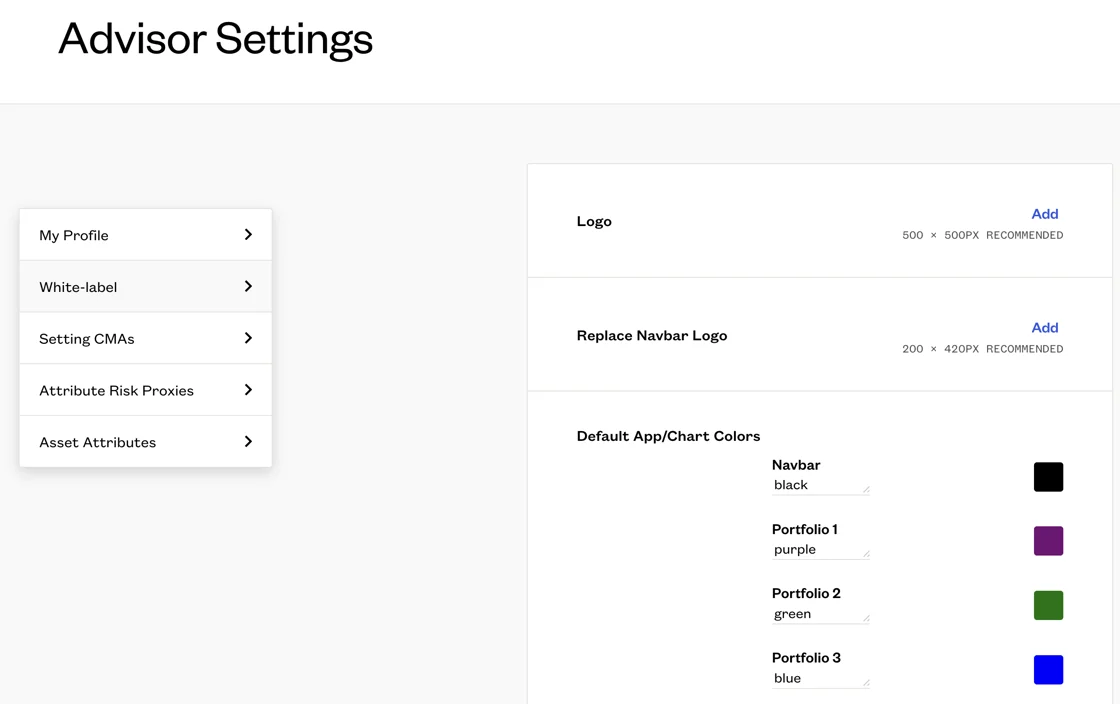
Customize Fabric to your brand.
White-label the application to match your logo and branding, giving you and your clients a seamless throughout your workflow.
Remember to add the '#' before adding hex codes when updating the default app/chart colors.
ADVISOR SETTINGS
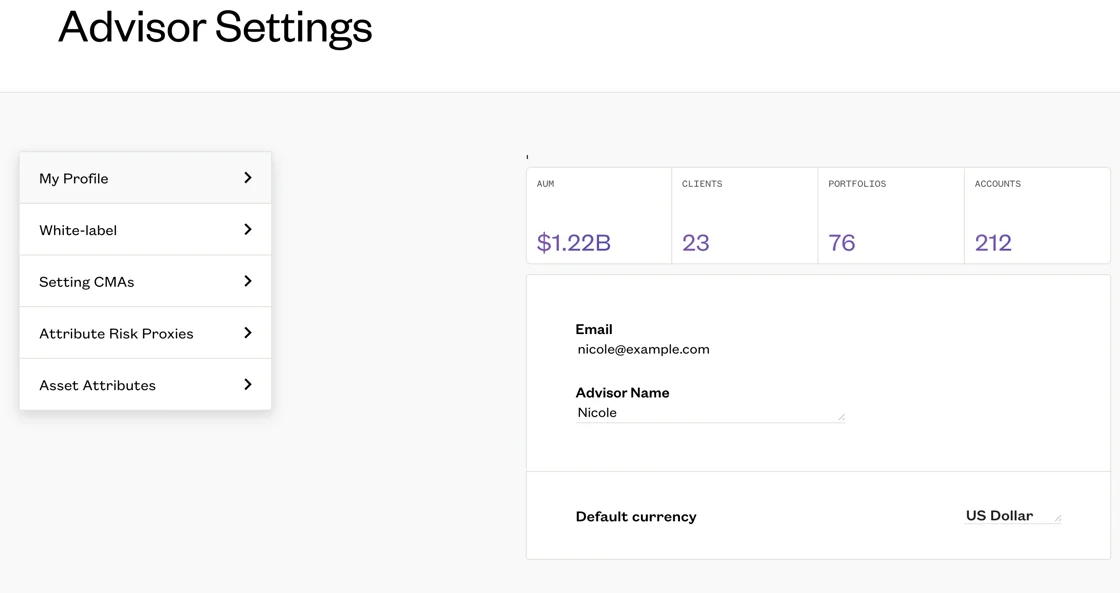
Quickly view your data to ensure precision.
Get a quick snapshot of your account details, including the count of assets, clients, portfolios, and accounts. Ensure data accuracy by cross-referencing AUM, clients, portfolio, and account numbers with your performance reporting system.
0
Please sign in to leave a comment.
Comments
0 comments