February 14, 2024 - Notes for Enhanced Collaboration

MONITOR
Add Notes for Each Client in Each Monitor
Introducing a game-changer – the ability to add personalized notes for each client directly within monitors. Whether it's jotting down action items, reminders, or client-specific details, these notes serve as invaluable tools for enhancing collaboration and keeping your team aligned.
Think of it as a personalized sticky note within the monitor for you or your team.
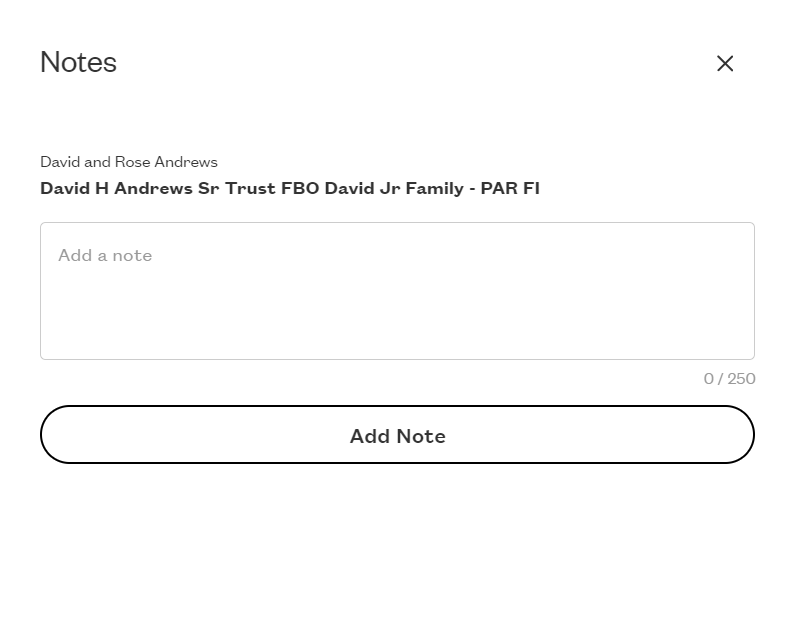
For example, in the Clients With Cash to Allocate Monitor, add a note to come back to later on why Bradley has more than 10% cash in his portfolios and he should remain in that monitor.
MONITOR
Sort the Monitor Page
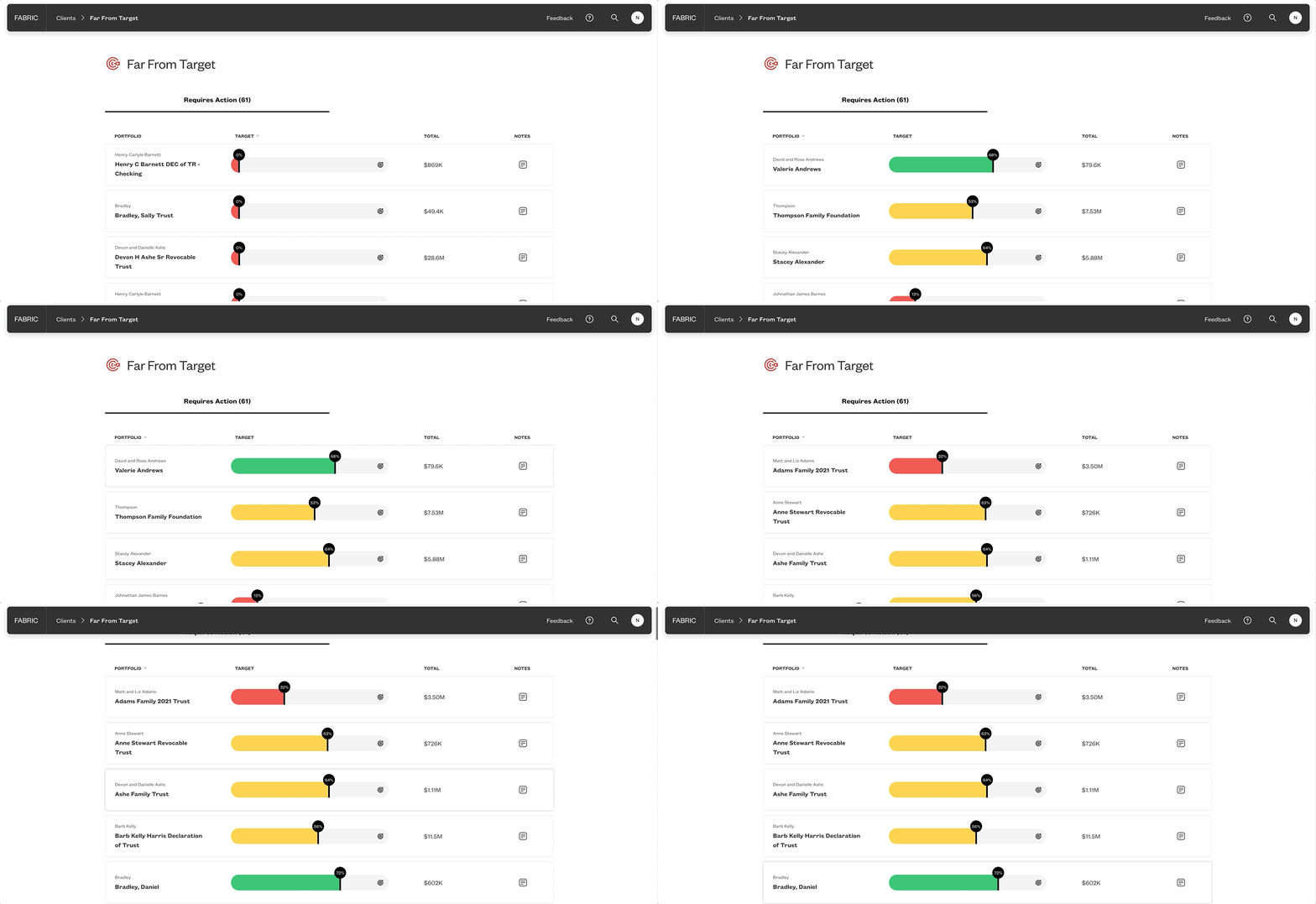
Take control of your workflow by sorting portfolios on the Monitor page based on client name, monitor metric, or client assets. This functionality provides you with the flexibility to focus on what matters most to you, ensuring efficient navigation and prioritization.
Simply click on the column you want to sort by on each monitor.
For example, in the clients with portfolios far from target monitor you can sort by client name.
Please sign in to leave a comment.
Comments
0 comments