May 10, 2024 - Enhanced Reporting

REPORT
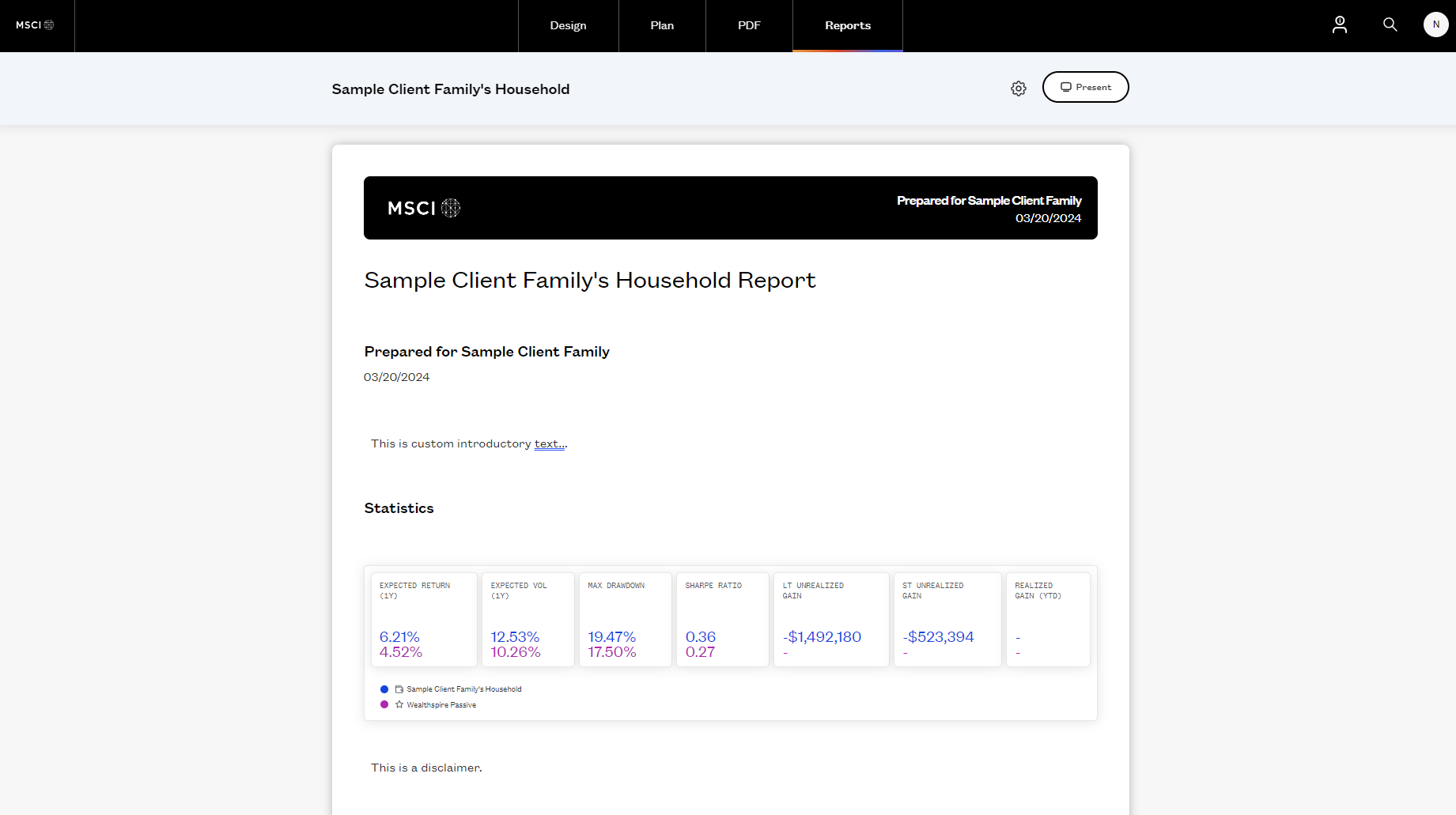
Edit, Add, & Reorder Text, Charts, Images, Titles and More
Use Fabric to tell a story to your clients. With this update, customize every aspect of your client reports. Whether it's adding dynamic charts, insightful tables, or strategic images, these features empower you to share investment recommendations that align perfectly with your client's preferences. The result? More engaging storytelling and stronger client relationships.
REPORT
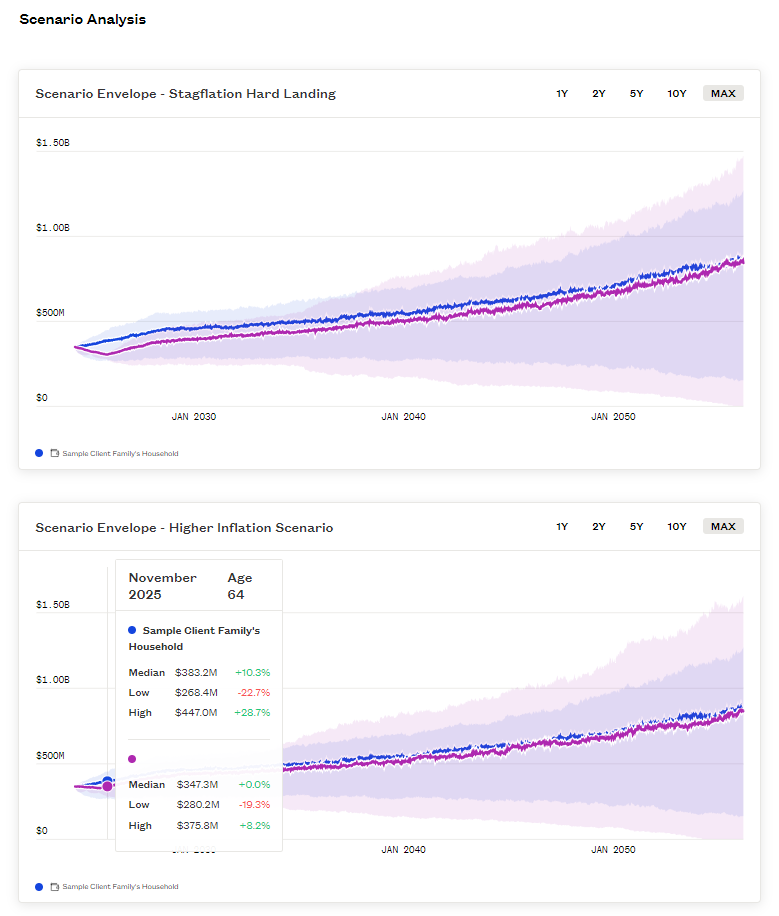
Multiple Versions of a Module in a Report
Compare and showcase different multiple modules with different setting for your clients in one report. Apply different settings to modules within your reports to communicate data-informed insights. For instance, include two attribution charts with different groupings or add attribution tables, absolute and relative or illustrate various scenarios to help clients understand how their portfolios will react in different market conditions.
REPORTS
Fine-Tune Reports
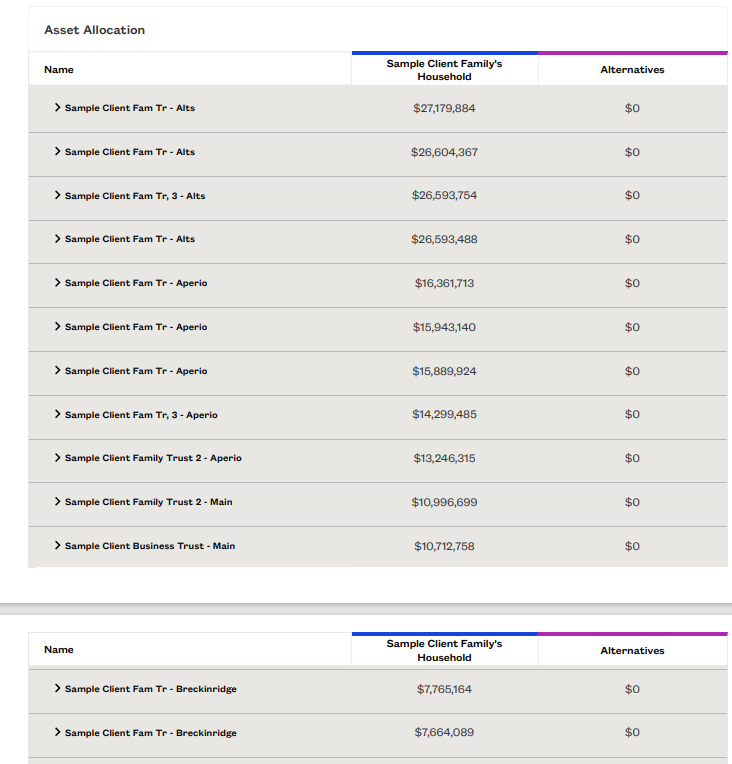
Want precise control over PDF report content and structure? You're now in charge of page breaks, adding dividers to strategically structure your reports. To do this, click the blue '+' icon as you hover between modules and select divider. Fabric ensures strategic page breaks for optimal content flow in PDF format, always including headers and cutting off images cleanly.
Additionally, share filtered reports by focusing on specific portfolio attributes like equities, and give clients a detailed view of their portfolio.
REPORTS
Share Seamlessly
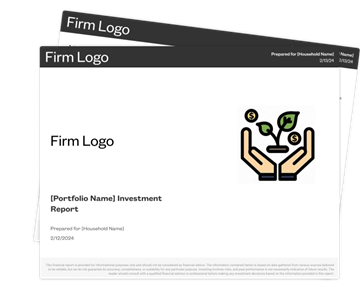
Show your clients the unique work you are doing for them. Easily present your work by exporting reports as PDFs for shareability. Click 'Present' and select 'Save as PDF' under printer. Now, your clients can receive a more dynamic, comprehensive summary of your investment strategy, showcasing your dedication and transparency.
Please sign in to leave a comment.
Comments
0 comments